Circular audio visualizer
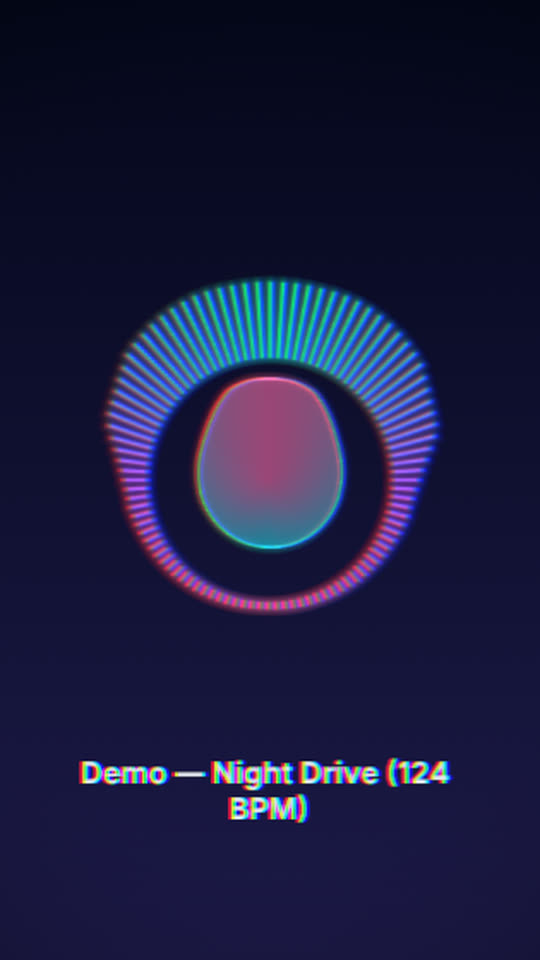
A ring of neon bars spreads out from the centre with the music, and a smaller wave ring inside breathes with the bass. On the kick the ring grows, the glow flares and the colours split for a moment.
Free, no watermark. Runs in your browser, no account needed.
Rendered by WaveMotion from the demo song. No edits outside the studio.
Each part of the song moves its own piece
- Full mixdrives the ring of radial bars
- Bassdrives the inner wave ring
- Kickdrives the ring size, the bloom and the RGB split
- Vocalsdrives the lyrics, if you add them
Upload separate stems (drums, bass, vocals and so on) and each one drives its own layer. With a single mix, the template reads the bass, mids and hits of the mix instead. Any reaction can be changed or relinked on the Audio tab.
Made for
Electronic releases
A punchy loop for house, techno and EDM where the kick drives the picture.
Logo in the middle
Put your logo or cover inside the ring from the Elements tab.
Square posts
The ring fits 1:1 and 4:5 feeds without any changes.
Make it yours
- 1
Open the template and add your track or stems.
- 2
Add your logo or cover in the centre if you like.
- 3
Set the ring to a half circle with Arc = 180°, or make it spin.
- 4
Export the MP4.
Want the words on screen? The lyric video maker adds karaoke lyrics on top of this template.
In every template
- Stem-reactive
- Upload a full mix or separate stems. Any setting of any layer can follow the kick, bass, vocals or any other stem.
- Lyric videos
- Paste lyrics or an LRC file and the words light up as they are sung, in every template.
- Up to 4K
- MP4 export up to 3840×2160, from 24 to 60 fps.
- Four aspect ratios
- 16:9, 9:16, 1:1 and 4:5. Templates lay themselves out for each one.
- Free, no watermark
- No account, no credits and no logo on the export.
- Renders locally
- The video renders in your browser on your graphics card. Your audio is not uploaded.
Frequently asked questions
Yes. Add the picture from the Elements tab and set its shape to Circle. Or start from the Pulsing Cover Art template, which is built that way.
Yes. Radial bars and radial waves have an Arc setting. 180° gives a half circle over the top; rotate the layer to point it anywhere.
The full mix by default, with the kick from the drums stem adding the pulse. Pick any other stem on the Audio tab.
Related templates
All templates →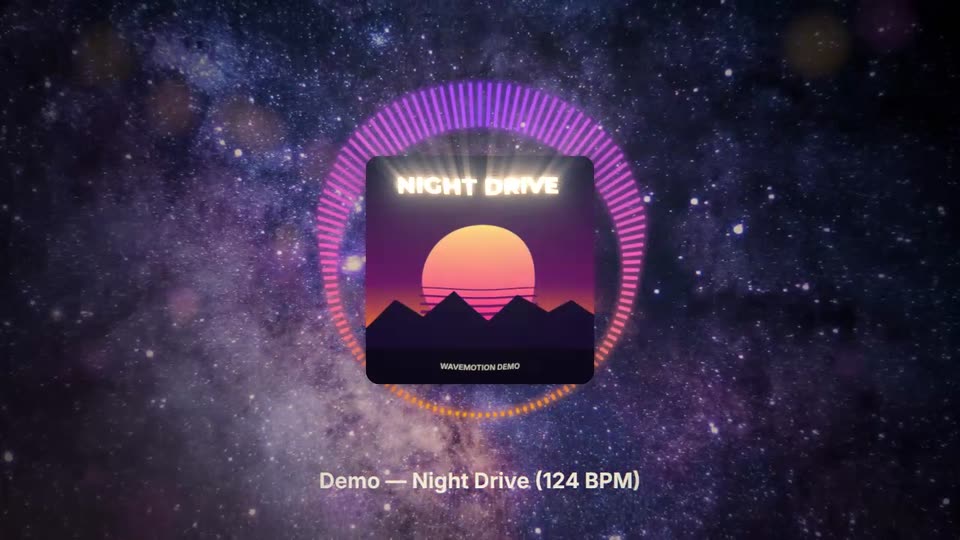
Your next release deserves visuals that listen
Open the studio, drop in your track, and watch the first template react to it in seconds.