Audio spectrum visualizer
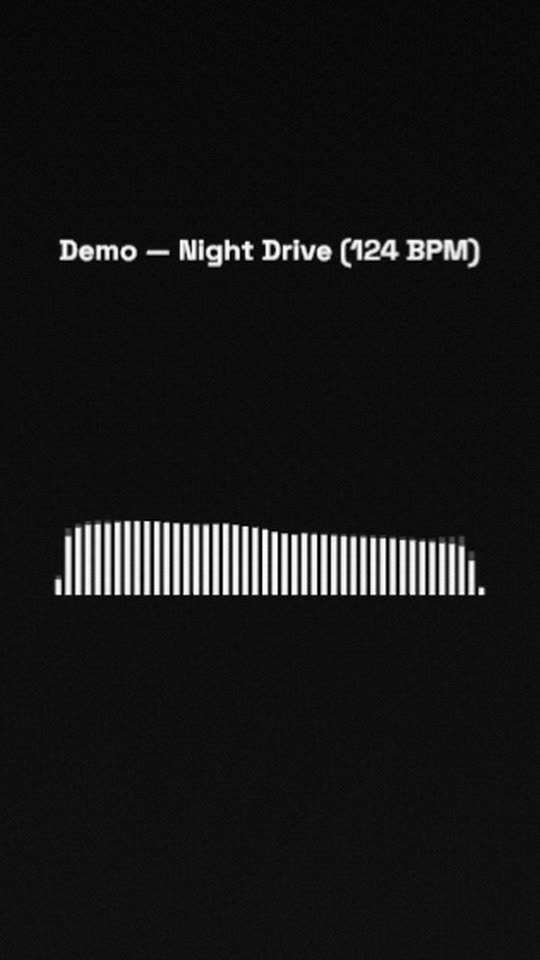
Clean white bars on black, a faint copy of them 140 ms behind that leaves a short trail as they fall, and your title in plain type. Nothing else competes with the music, which makes it a good start for a brand look of your own.
Free, no watermark. Runs in your browser, no account needed.
Rendered by WaveMotion from the demo song. No edits outside the studio.
Each part of the song moves its own piece
- Full mixdrives the bars and their delayed echo
- Kickdrives a slight zoom of the whole frame
- Vocalsdrives the lyrics, if you add them
Upload separate stems (drums, bass, vocals and so on) and each one drives its own layer. With a single mix, the template reads the bass, mids and hits of the mix instead. Any reaction can be changed or relinked on the Audio tab.
Made for
Podcast music beds and intros
A neutral visual for music under talk, or a short intro sting.
Your own colours and fonts
Change two colours and a font and the template becomes your brand look.
Stem breakdowns
Duplicate the bars once per stem to show what the drums, bass and vocals each do.
Make it yours
- 1
Open the template and add your song.
- 2
Change the bar colour, count and gap on the Style tab. Set Roundness for rounded bars.
- 3
Pick which stem the bars follow on the Audio tab.
- 4
Export in any size.
Want the words on screen? The lyric video maker adds karaoke lyrics on top of this template.
In every template
- Stem-reactive
- Upload a full mix or separate stems. Any setting of any layer can follow the kick, bass, vocals or any other stem.
- Lyric videos
- Paste lyrics or an LRC file and the words light up as they are sung, in every template.
- Up to 4K
- MP4 export up to 3840×2160, from 24 to 60 fps.
- Four aspect ratios
- 16:9, 9:16, 1:1 and 4:5. Templates lay themselves out for each one.
- Free, no watermark
- No account, no credits and no logo on the export.
- Renders locally
- The video renders in your browser on your graphics card. Your audio is not uploaded.
Frequently asked questions
A copy of the bars with Delay set to 140 ms and low opacity. Stack more copies with longer delays for a longer echo.
Yes. Select the bars, open the Audio tab and pick the drums stem. Any stem you added can drive any visualizer.
Yes. Switch the visualizer type to Mirror bars, Dotted bars or Radial bars on the Style tab. Your colours stay.
Related templates
All templates →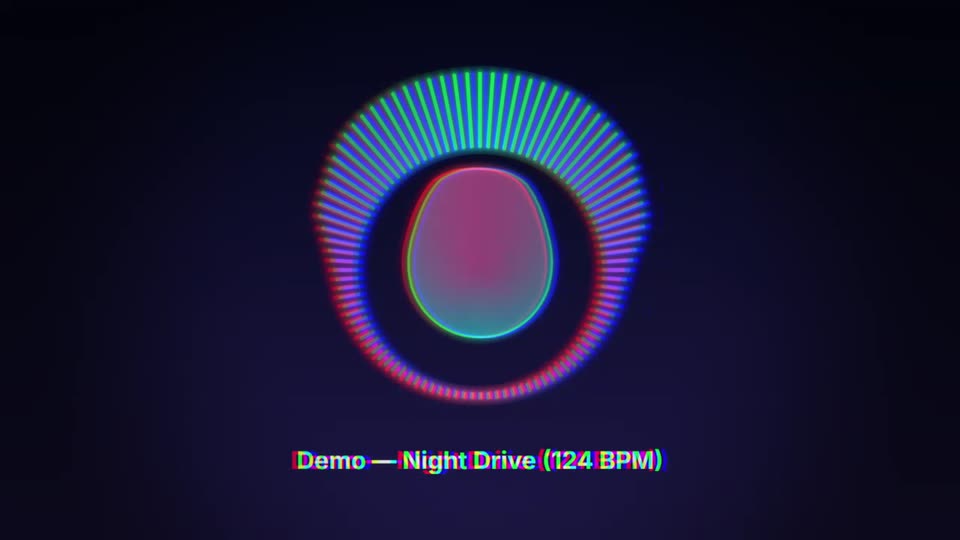
Your next release deserves visuals that listen
Open the studio, drop in your track, and watch the first template react to it in seconds.