Lo-fi music visualizer with a VHS look
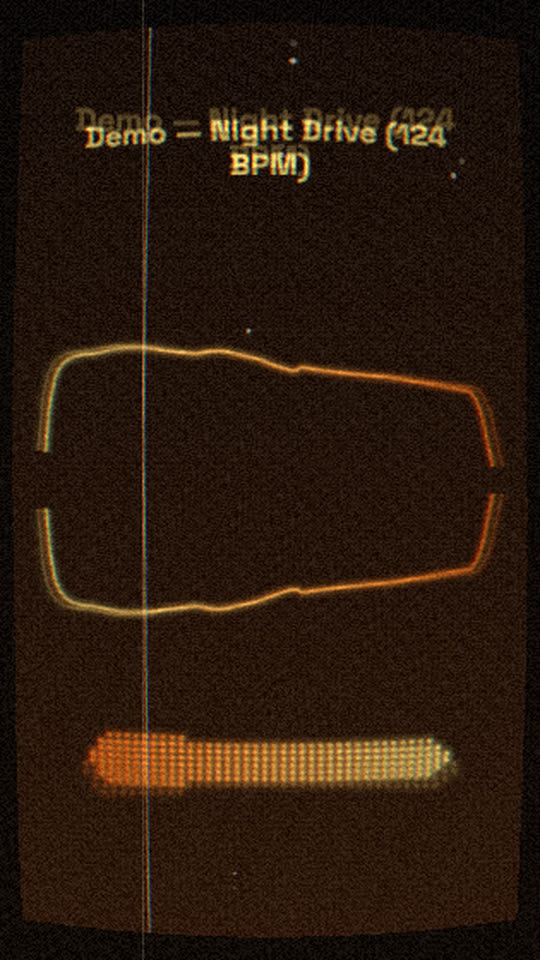
A warm wave line on worn tape. The picture wobbles on the drums like an old VHS, dust and scratches flicker with the hits, and a film grade keeps everything soft and orange. It suits lo-fi beats, chillhop and bedroom pop.
Free, no watermark. Runs in your browser, no account needed.
Rendered by WaveMotion from the demo song. No edits outside the studio.
Each part of the song moves its own piece
- Full mixdrives the wave line
- Bassdrives a row of dots under the wave
- Drumsdrives the tape wobble, the dust flicker and a soft warm flash
- Vocalsdrives the lyrics, if you add them
Upload separate stems (drums, bass, vocals and so on) and each one drives its own layer. With a single mix, the template reads the bass, mids and hits of the mix instead. Any reaction can be changed or relinked on the Audio tab.
Made for
Lo-fi beat uploads
A gentle visual for a beat tape or a single that does not fight the music.
Study and chill streams
Export a long loop for a playlist video or a stream background.
Vertical clips
The same tape look in 9:16 for a Short or a Reel of the hook.
Make it yours
- 1
Open the template and add your beat, or the drums and bass as separate stems.
- 2
Add your own picture or a stock photo behind the wave for a classic lo-fi scene.
- 3
Lower the VHS amount for a cleaner image, or raise the dust for an older tape.
- 4
Export the MP4 in the size you need.
Want the words on screen? The lyric video maker adds karaoke lyrics on top of this template.
In every template
- Stem-reactive
- Upload a full mix or separate stems. Any setting of any layer can follow the kick, bass, vocals or any other stem.
- Lyric videos
- Paste lyrics or an LRC file and the words light up as they are sung, in every template.
- Up to 4K
- MP4 export up to 3840×2160, from 24 to 60 fps.
- Four aspect ratios
- 16:9, 9:16, 1:1 and 4:5. Templates lay themselves out for each one.
- Free, no watermark
- No account, no credits and no logo on the export.
- Renders locally
- The video renders in your browser on your graphics card. Your audio is not uploaded.
Frequently asked questions
Yes. Add any picture from the Elements tab and move it to the bottom track. The tape look, grain and grade apply to it too.
The VHS effect’s tape wobble is linked to the drums, so it shakes a little on each hit. Turn the reaction off on the Audio tab for a steady picture.
Yes. The video is as long as your audio. Export renders on your computer, so a long video takes longer but costs nothing.
Related templates
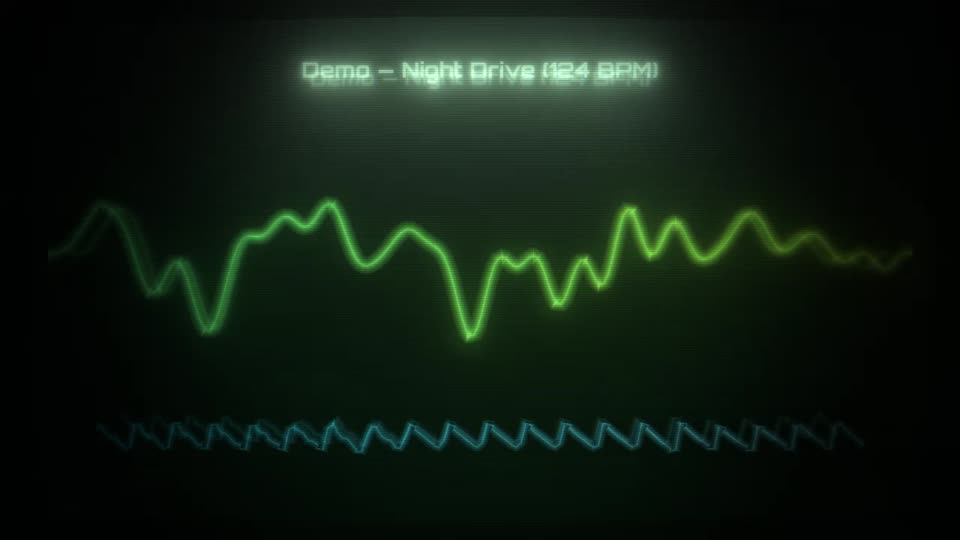
All templates →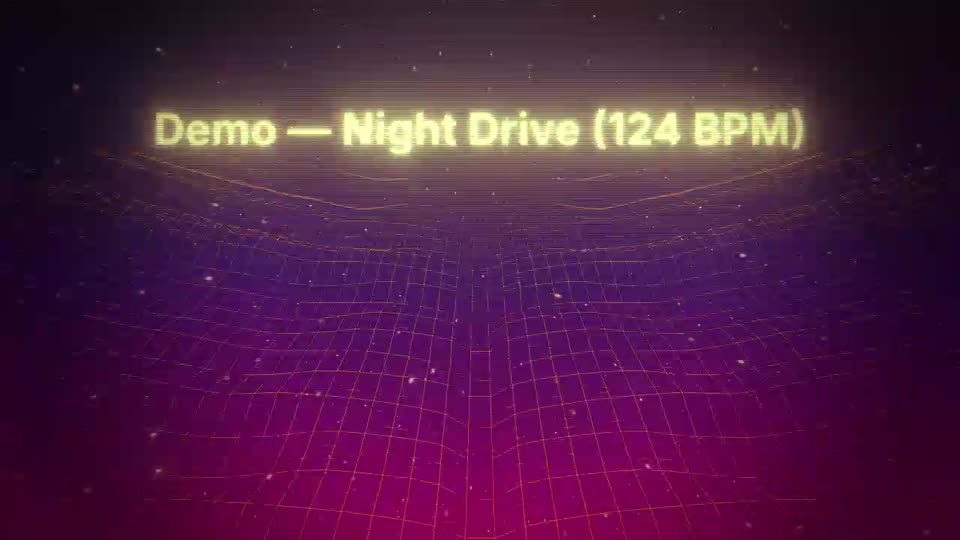
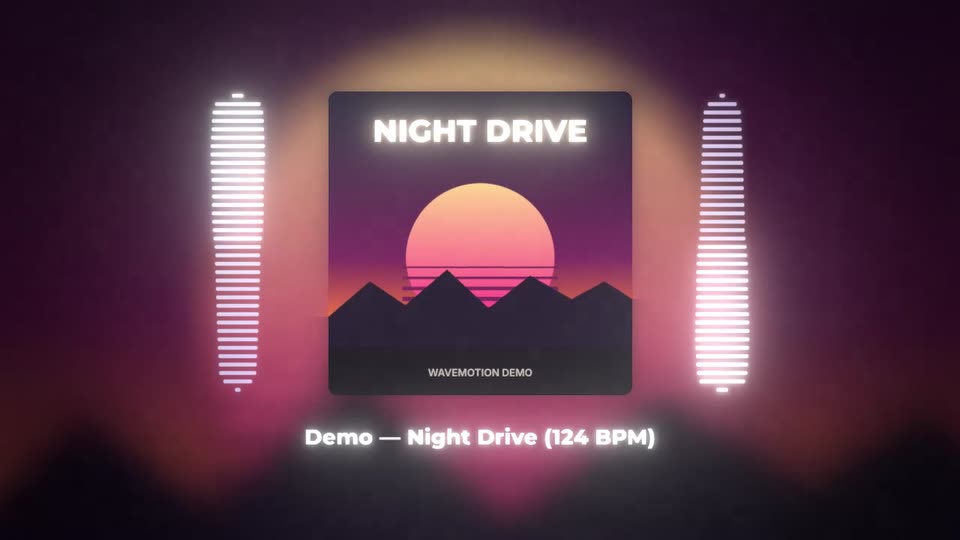
Your next release deserves visuals that listen
Open the studio, drop in your track, and watch the first template react to it in seconds.