Pulsing cover art visualizer
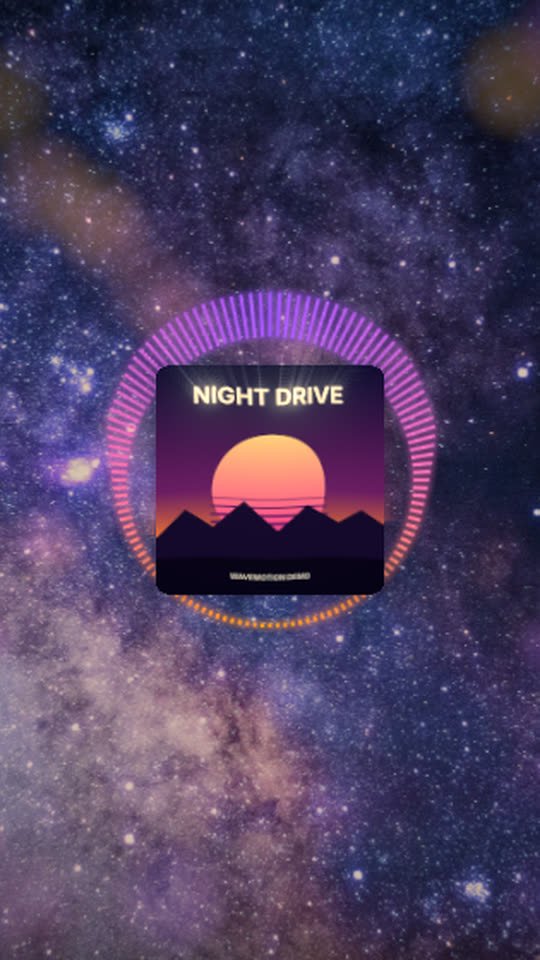
Your artwork pulses on every kick inside a ring of bars. A shockwave ripples out from it on the hits, its edges glow in the cover’s own colours and the bass makes it ripple a little, over a slow-moving galaxy.
Free, no watermark. The studio asks for your cover art, then builds the scene around it.
Rendered by WaveMotion from the demo song and a demo cover. No edits outside the studio.
Each part of the song moves its own piece
- Kickdrives the cover pulse, the shockwave and the light rays
- Bassdrives a ripple through the cover
- Full mixdrives the ring of bars
- Vocalsdrives the lyrics, if you add them
Upload separate stems (drums, bass, vocals and so on) and each one drives its own layer. With a single mix, the template reads the bass, mids and hits of the mix instead. Any reaction can be changed or relinked on the Audio tab.
Made for
Hip-hop and pop singles
The cover hits with the beat, so the visual feels made for the track.
Pre-save and teaser clips
A short vertical loop of the hook with the artwork front and centre.
Playlist channels
One consistent look for every upload: swap the cover and the song.
Make it yours
- 1
Open the template and add your song.
- 2
Choose your cover; the template builds the ring around it.
- 3
Change the ring colours, or make the pulse stronger on the Audio tab.
- 4
Export.
Want the words on screen? The lyric video maker adds karaoke lyrics on top of this template.
In every template
- Stem-reactive
- Upload a full mix or separate stems. Any setting of any layer can follow the kick, bass, vocals or any other stem.
- Lyric videos
- Paste lyrics or an LRC file and the words light up as they are sung, in every template.
- Up to 4K
- MP4 export up to 3840×2160, from 24 to 60 fps.
- Four aspect ratios
- 16:9, 9:16, 1:1 and 4:5. Templates lay themselves out for each one.
- Free, no watermark
- No account, no credits and no logo on the export.
- Renders locally
- The video renders in your browser on your graphics card. Your audio is not uploaded.
Frequently asked questions
Here the cover moves: it pulses, ripples and throws a shockwave on the kick. The album cover template keeps the cover still over a blurred copy, with spectra on the sides.
Yes. Any picture works. Set its shape to Circle on the Style tab for a round logo.
No. It is free and has no WaveMotion watermark.
Related templates
All templates →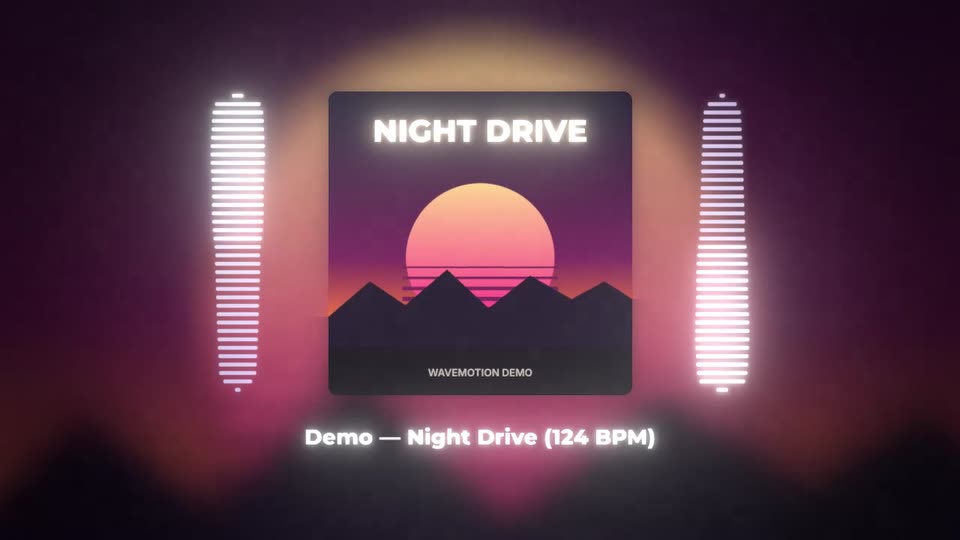
Your next release deserves visuals that listen
Open the studio, drop in your track, and watch the first template react to it in seconds.